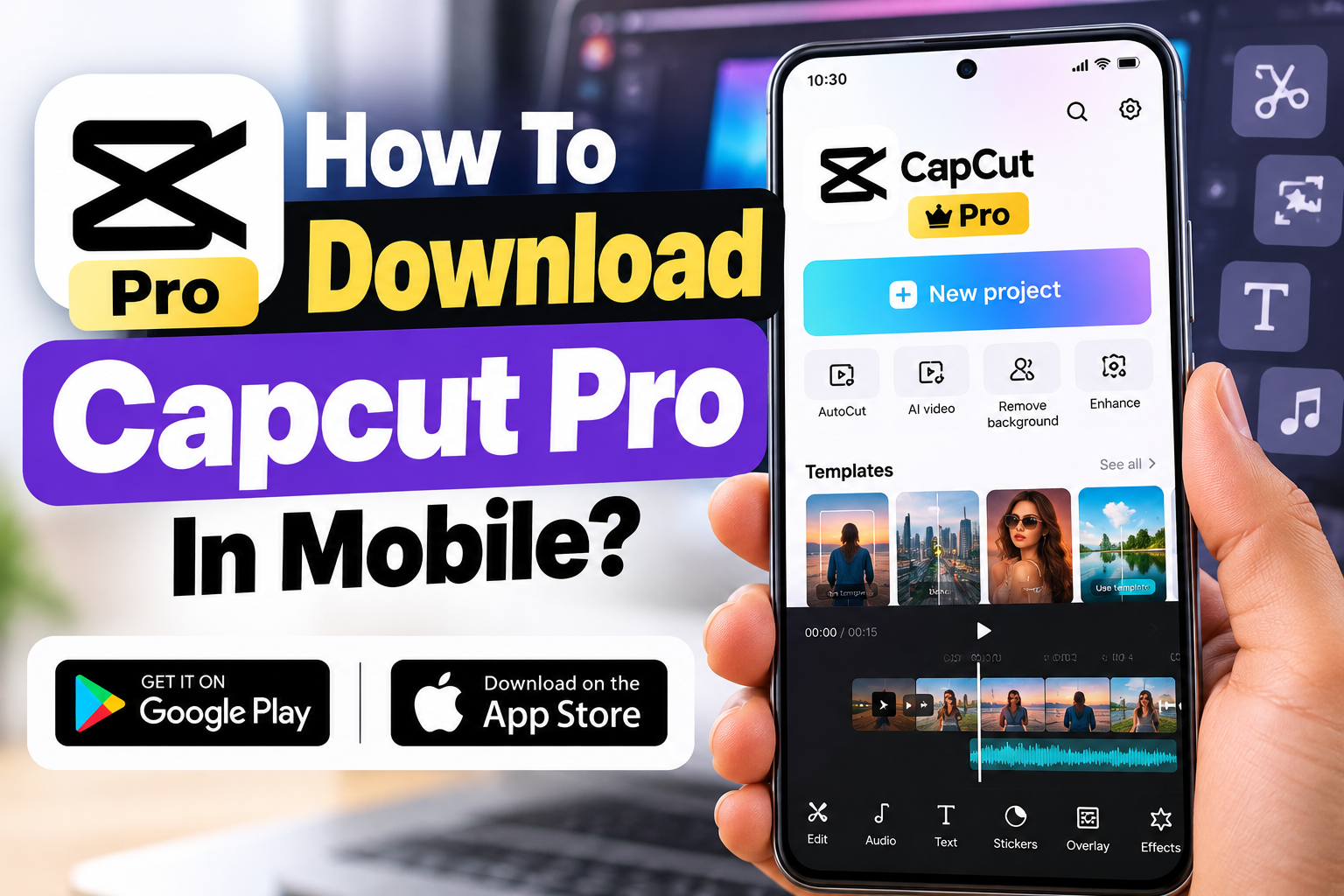
Want to edit professional-looking videos directly from your smartphone? Whether you’re creating Instagram Reels, YouTube Shorts or promotional videos, CapCut is a popular video editing application that offers both free and premium editing tools.
CapCut Pro provides additional editing features, including premium effects, advanced AI tools, exclusive templates and other professional editing options.
But here’s something many beginners don’t realise: CapCut Pro is not a separate application. You download the regular CapCut app and activate Pro features through an eligible subscription.
In this guide, we’ll explain how to download CapCut Pro on Android and iPhone, how to activate premium features, available free trials and what to do when the app isn’t available in your country.
What Is CapCut Pro?
CapCut Pro is the paid subscription version of CapCut, a video editor developed by ByteDance.
While the free version includes essential features such as trimming, splitting, transitions, text and music editing, Pro unlocks additional tools for more advanced projects.
Some Pro benefits include:
Premium video effects and transitions
Advanced background removal tools
Exclusive filters, fonts and templates
Additional AI-powered editing features
Expanded cloud storage
Premium export options for supported projects
Not every AI feature is necessarily unlimited with a Pro subscription. Some tools may require separate credits.
How to Download CapCut Pro on Android
If CapCut is officially available in your country, installing it on an Android phone is straightforward.
Follow these steps:
Open the Google Play Store on your Android phone.
Search for CapCut – Video Editor.
Check that the application is published by ByteDance.
Tap Install and allow the download to finish.
Open CapCut and complete the initial setup.
Sign in using one of the available account options.
Open your profile and select Join CapCut Pro, Get Pro or the equivalent upgrade option.
Choose a subscription plan and confirm payment through Google Play.
Once payment is confirmed, CapCut should activate the available Pro features on your account.
iPhone users can follow a similar process through Apple’s App Store.
Open the App Store on your iPhone.
Search for the official CapCut application.
Tap Get to install it.
Launch CapCut and sign in.
Open your profile and select the Pro subscription option.
Review the available subscription plans.
Confirm your purchase using Apple’s payment system.
After activation, you can access supported premium features.
CapCut Pro subscriptions are linked to your account, so make sure you use the correct login when switching devices.
Is CapCut Pro Available in India?
This is an important question for Indian users.
As of October 2026, CapCut is not reliably available through official Indian app stores. Its iPhone app has been recorded as unavailable in India’s App Store.
You may also encounter restrictions when trying to access CapCut downloads, templates or Pro services from India.
Although some websites describe CapCut as a banned application, it is important not to confuse its regional unavailability with the government’s original June 2020 list of 59 blocked apps, which did not name CapCut.
What should you do?
First, check the official Google Play Store or Apple App Store using your existing account.
If CapCut isn’t available, avoid downloading modified APK files from unknown websites or using unofficial installers promising unlocked Pro features.
Instead, consider an officially available video editor such as VN Video Editor, InShot or Adobe Premiere on mobile.
How to Get CapCut Pro Free Trial
CapCut occasionally provides free trial offers for eligible users in supported regions.
Some eligible users may receive a seven-day CapCut Pro trial.
To check:
Open the official CapCut app.
Sign in to your account.
Visit the Pro subscription section.
Look for an available free trial offer.
Read the trial conditions and renewal price.
Activate the offer through the official payment system.
Free trials are not guaranteed for every user. Availability depends on factors such as your country, account history and current promotions.
Important: Some trials automatically renew as paid subscriptions. Cancel before the renewal date if you don’t wish to continue.
How Much Does CapCut Pro Cost?
CapCut usually offers monthly and yearly subscription options.
However, the exact price depends on your country, device platform and available promotions.
The most reliable way to check pricing is through the official subscription screen in CapCut.
Before purchasing, check whether your required effects or AI tools are included in the plan. Some features may have additional usage limits or credit requirements.
CapCut Pro Not Working? Try These Fixes
Sometimes, users purchase a subscription but premium features remain locked.
Try these simple solutions:
Update CapCut to the latest officially available version.
Confirm that you’re logged into the account used to purchase Pro.
Check your subscription status in Google Play or Apple settings.
Restart the application and check again.
Confirm that the feature is supported in your region.
If your purchase is active but Pro remains unavailable, contact CapCut’s official support team with your payment details. Never share your account password.
Frequently Asked Questions
Can I download CapCut Pro APK for free?
The official CapCut app can be downloaded free in supported regions. However, Pro normally requires a paid subscription or an eligible trial. Unofficial modified APKs claiming to unlock Pro for free should be avoided.
Is CapCut Pro available for Android and iPhone?
Yes. CapCut supports both platforms in eligible countries, although availability and specific features may differ.
Can I use CapCut without purchasing Pro?
Yes. The free version provides useful tools for trimming videos, adding text, editing audio and creating basic social media content.
Can I cancel my CapCut Pro subscription?
Yes. Mobile subscriptions can generally be managed through Google Play or Apple’s subscription settings. Cancelling normally prevents the next renewal, while access continues according to your billing terms.
Final Words
Downloading CapCut Pro on mobile is simple when the application is officially available in your region. Install the regular CapCut app, sign in and activate Pro through the official subscription system.
If you’re just learning video editing, start with the free features before purchasing premium access. For many basic Instagram Reels and YouTube Shorts, free editing tools may be sufficient.
Avoid unofficial Pro APKs and always check subscription charges, regional availability and feature limitations before paying.
Disclaimer: This article is for informational purposes only and is not affiliated with CapCut or ByteDance. App availability, subscription prices, trial offers and features may change depending on your location and device.