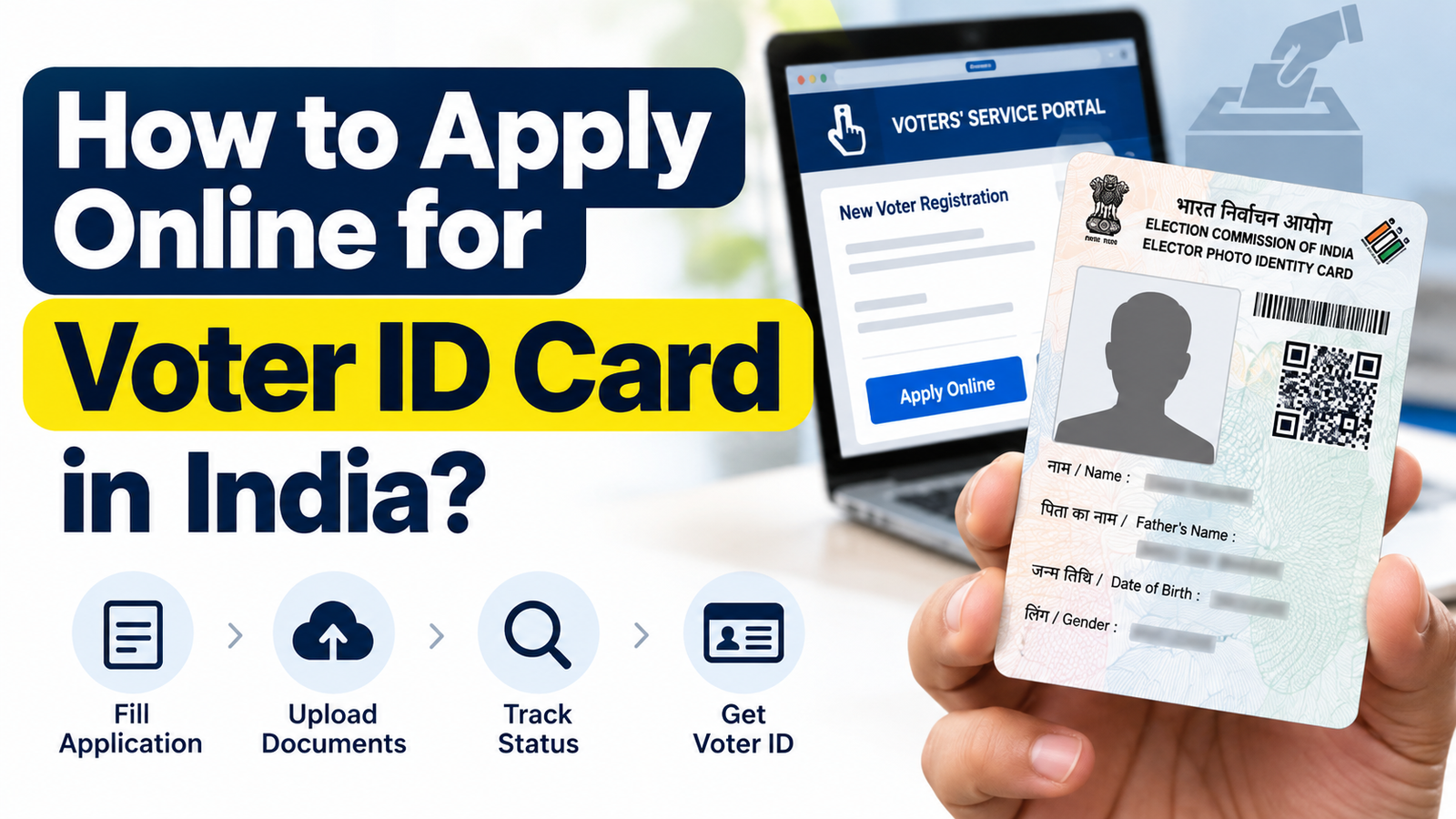
Have you recently turned 18 and want to apply for your first Voter ID card? Or perhaps you’re eligible to vote but haven’t registered your name in the voter list yet.
The good news is that you can apply for a Voter ID online through the Election Commission of India’s official website without visiting a government office to submit the initial application.
A Voter ID card, also known as an Elector’s Photo Identity Card (EPIC), is issued to registered voters in India.
In this guide, we’ll explain how to apply for a new Voter ID card online, the documents required, eligibility rules, application status and how to download your digital Voter ID.
Who Can Apply for a Voter ID Card?
Before applying, make sure you meet the Election Commission’s eligibility requirements.
You can register as a voter if:
You are an Indian citizen.
You have attained the age of 18 on an eligible qualifying date.
You ordinarily reside in the constituency where you want to register.
You are not legally disqualified from enrolling as a voter.
India has four voter registration qualifying dates: January 1, April 1, July 1 and October 1.
Eligible young citizens approaching 18 can also submit advance applications under the Election Commission’s rules.
Important: Having an Aadhaar card does not automatically register you as a voter. You must complete the electoral registration process.
How to Apply for Voter ID Card Online: Step-by-Step
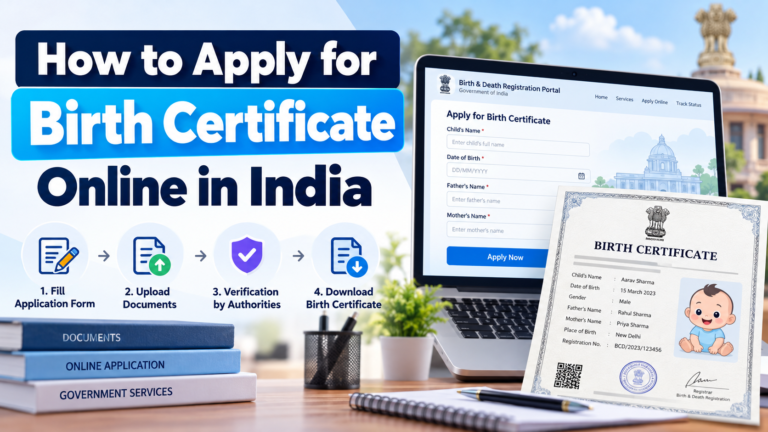
The Election Commission of India provides the Voters’ Services Portal for new voter registrations.
Follow these steps to apply online.
Step 1: Visit the Official Voter Registration Website
Click Sign-Up if you are a new user, complete registration using your mobile number and log in.
Step 2: Select Form 6
On the homepage, look for New Voter Registration and select Fill Form 6.
Form 6 is used by eligible Indian residents applying to be included in the electoral roll for the first time.
Step 3: Enter Your Personal Details
Fill in the information requested, including:
Full name and surname
Date of birth and gender
Parent’s or other eligible relative’s name
Mobile number and email, if available
Present residential address
Aadhaar details, where available
Make sure your spelling is correct in both English and the applicable regional language.
Step 4: Upload the Required Documents
Upload your recent photograph and supporting documents for age and residence verification.
Follow the document requirements displayed on the portal.
Step 5: Complete the Declaration
Review the application and confirm that the information provided is correct.
Depending on the current electoral roll revision process, the portal may request an additional declaration or supporting information.
Step 6: Submit Your Application
After submitting Form 6, save the acknowledgement or reference number.
A Booth Level Officer (BLO) may conduct verification before the Electoral Registration Officer decides your application.
Documents Required for a Voter ID Card
The following documents are commonly accepted under Form 6 guidelines.
Document
Purpose
Birth certificate
Proof of age
Aadhaar card
Accepted age or address proof
PAN card
Proof of date of birth
Class 10 or 12 certificate showing date of birth
Proof of age
Indian passport
Age or address proof
Bank or post office passbook
Proof of residence
Registered rent agreement
Address proof for tenants
Recent passport-size photograph
Voter identification
You generally need one accepted document for age verification and one for residential address verification. Other supporting documents may be considered under the prescribed procedure.
If you don’t have Aadhaar, Form 6 includes an option to indicate that you do not possess an Aadhaar number.
How Much Does It Cost to Apply for Voter ID?
New voter registration is free.
The Election Commission does not charge an application fee for submitting Form 6. After successful enrolment, the first EPIC is issued free of cost.
You do not need to pay a private agent to register online.
How to Check Voter ID Application Status
After applying, you can track the progress of your registration online.
Enter your reference number and other requested details.
Check the current status.
Your application may require verification before approval. Processing time depends on the electoral registration office and applicable revision procedures.
How to Download Voter ID Card Online
Once your registration has been approved and your EPIC is available, you can download its digital version, called e-EPIC.
Follow these steps:
Visit the Voters’ Services Portal.
Log in with your registered details.
Select E-EPIC Download.
Enter your EPIC number or other requested information.
Complete the available verification process.
Download your digital Voter ID.
You can save the PDF on your mobile or computer.
Frequently Asked Questions
Can I apply for Voter ID without Aadhaar?
Yes. An eligible applicant who does not possess Aadhaar can indicate this in Form 6 and follow the applicable verification procedure.
Can I apply for Voter ID before turning 18?
Eligible applicants approaching the age of 18 can submit advance applications, but enrolment depends on meeting the prescribed qualifying-date requirements.
What if I change my residential address?
If you’re already registered, use Form 8 to request shifting of residence. You should not submit a new Form 6 merely because you moved.
Can I vote without receiving my physical Voter ID card?
Your name must appear in the electoral roll. If you are registered, other identification documents approved by the Election Commission may be accepted at the polling station.
Final Words
Applying for a Voter ID card online is straightforward when you have the correct documents.
If you’re registering for the first time, use Form 6 on the official Election Commission portal and keep your application reference number safely.
Before election day, always check whether your name appears in the electoral roll. Simply submitting an application or possessing a Voter ID card does not guarantee that your name is on the current voter list.
Disclaimer: This article is intended for general information and is not affiliated with the Election Commission of India. Registration requirements and verification procedures may change. Always refer to official Election Commission instructions before applying.